Some shots need one thing pulled out of the frame. A woman out of a cluttered room. A car off the road behind it. By hand, that is a shape redrawn on every frame the object moves, so most cuts never get it.
In Cask Film you point at it.
Hover, then click
Select a clip on the timeline and choose Mask an object from the Tools menu. It is also in the clip's right-click menu and in the inspector's Tools tab.
The viewer turns into a picker. Move the pointer over the picture and whatever sits under it lights up against the rest of the frame, so you know exactly what a click will take before you click. Click. Shift-click to add a second object, Option-click to take a part away. Each pick gets its own colour, so you can see what goes into the mask before anything runs.
Some objects are easier to name than to point at. Type what you want instead, such as "the woman". With the on-device model, every match in the frame lights up and you click the one you meant, or press Return to take all of them. Without it, every match is tracked.
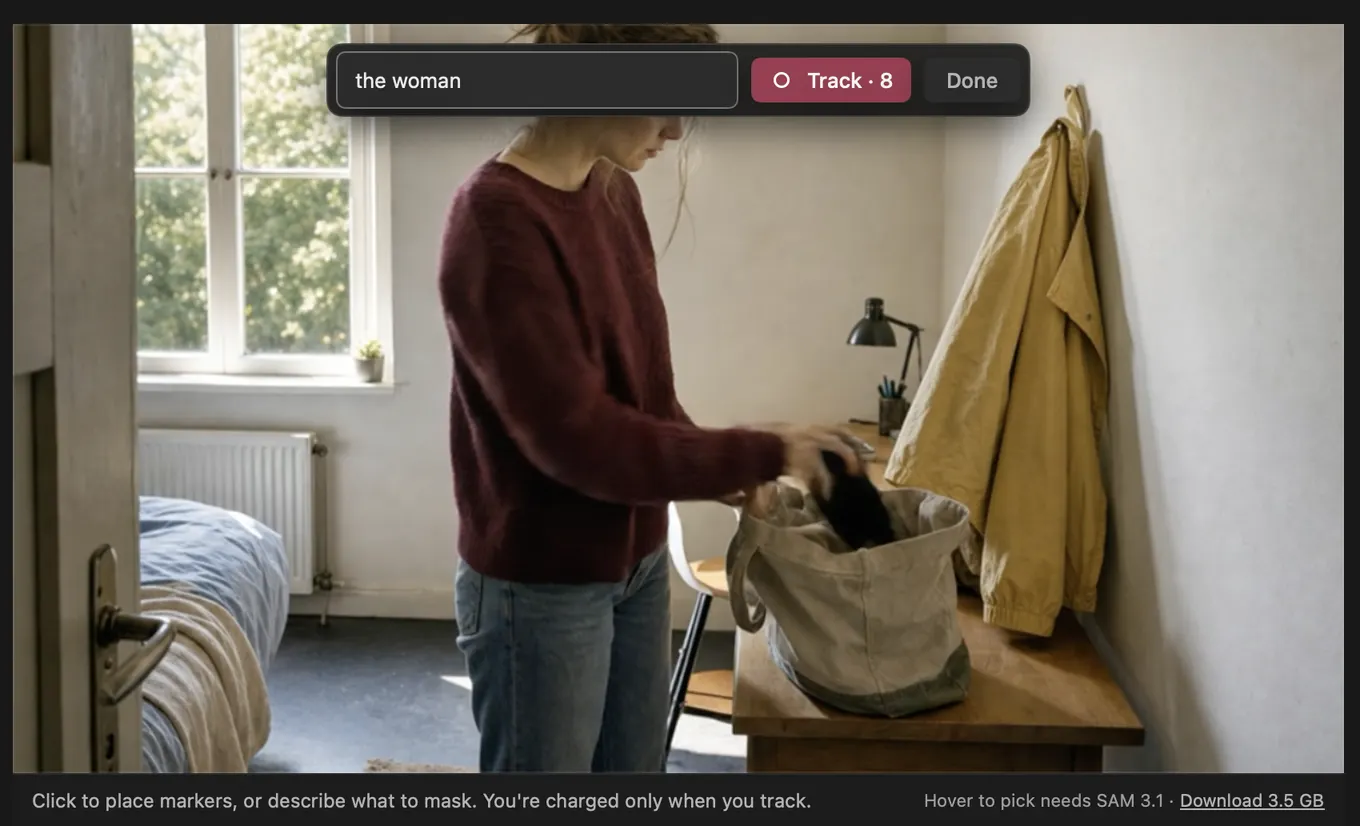
Picking never costs anything.
Track on your Mac
Press Track. You choose where it runs: This Mac or Cloud.
On this Mac, Cask Film runs SAM 3.1 locally. The model downloads once, about 3.5 GB, from Settings › On-device models. After that, tracking costs no credits, and the footage never leaves the machine. That matters when the clip is a client's cut that nobody outside the room has seen yet.
The cloud runs the same model, and on a long clip it finishes well before your Mac would. Cask Film shows the price before you press Track, and the choice is yours on every run.
While it tracks, the viewer shows how far it has got, and Cancel stops it. When it is done, the mask lands on the clip as an Object mask. It is one step in your history, so one Undo takes it back off.
What the mask does
It has three jobs.
- Cut out keeps the object and drops everything else, so the clip on the track below shows through.
- Blur behind keeps the object sharp and softens the background. Set how much with the Blur slider.
- Limit effects confines the modifiers above the mask to the object. Grade the subject without touching the room around it.
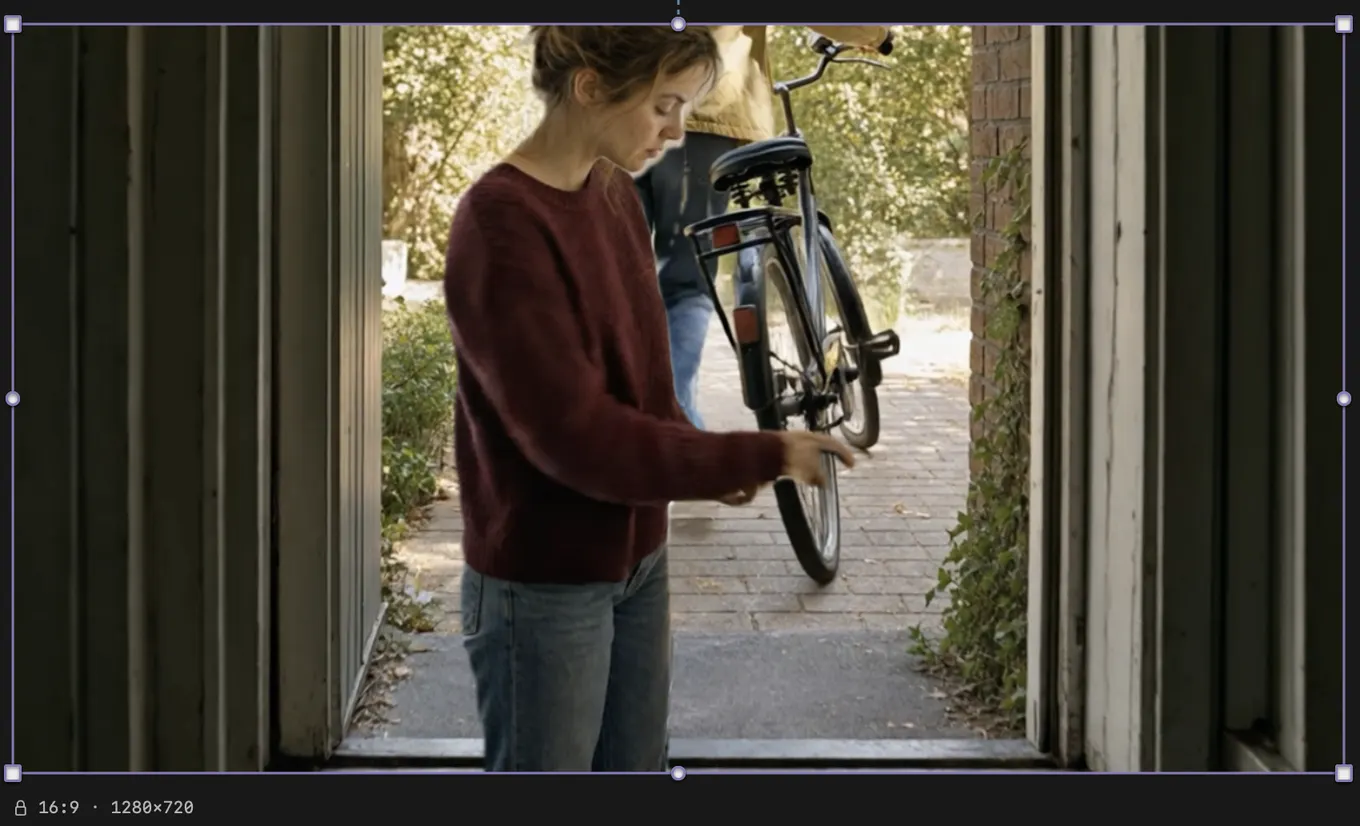
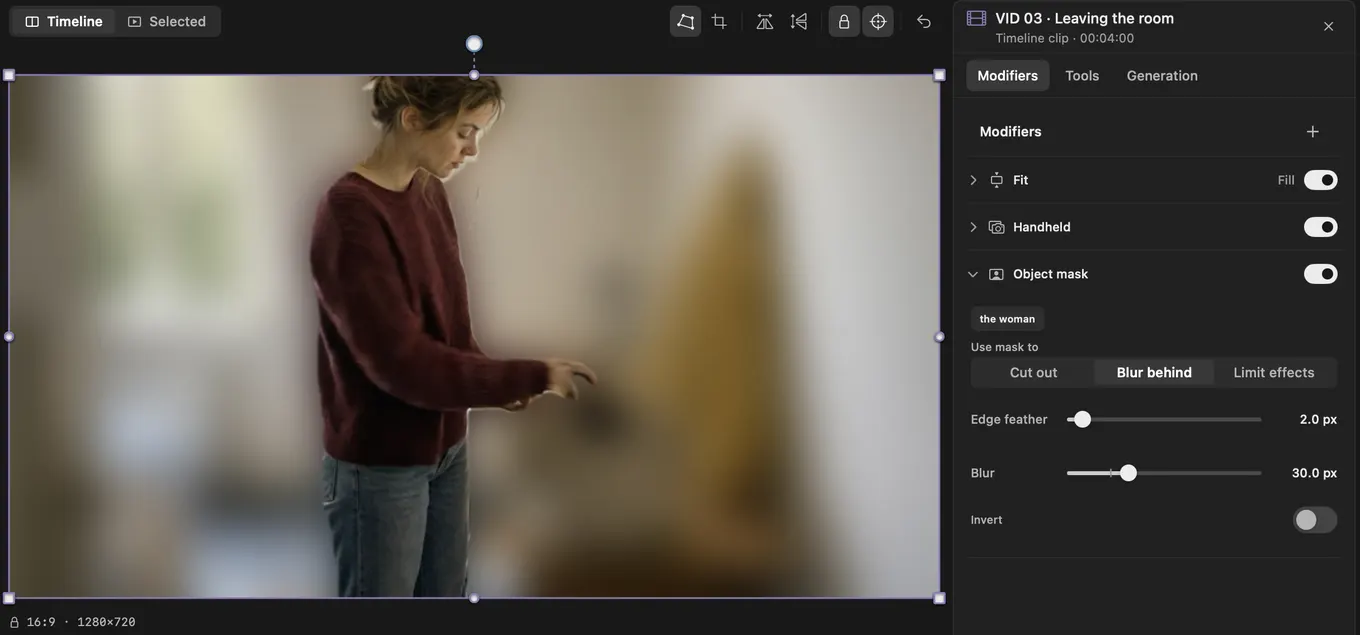
Invert flips any of the three. Grade the room and leave the subject alone. Edge feather softens the outline when the object moves fast or has fine edges.
The mask plays in the viewer and renders in the export.
Or ask for it
Cask MCP connects Cask Film to Claude and Codex, and it is on every plan.
"Mask the woman in the third clip and blur the background."
The agent finds the clip, tracks the woman in the cloud and sets the mask to blur behind.
On-device models come with paid plans. Without them, you describe the object or place markers on it, and the tracking runs in the cloud.
Mask an object is in Cask Film now.